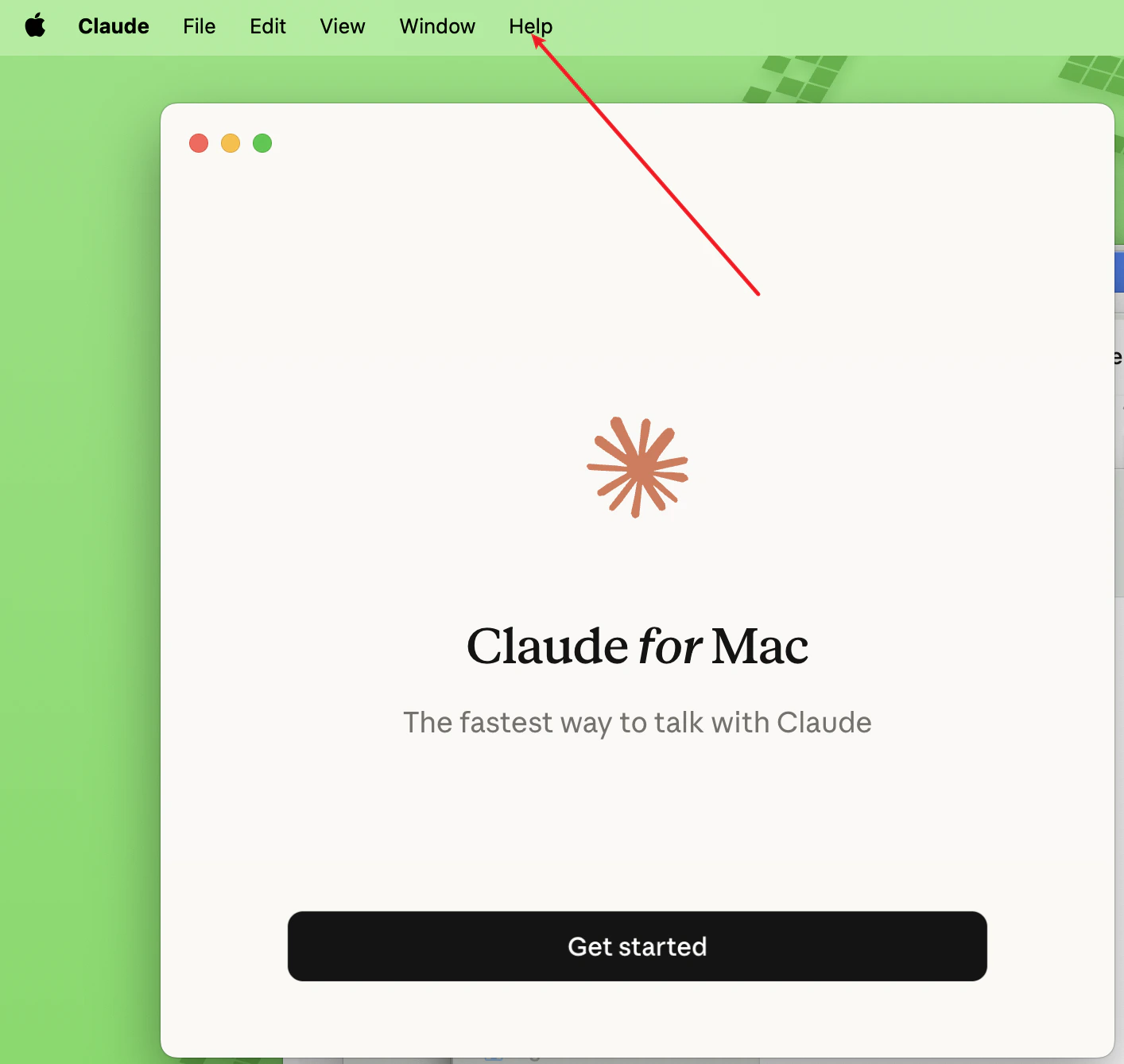
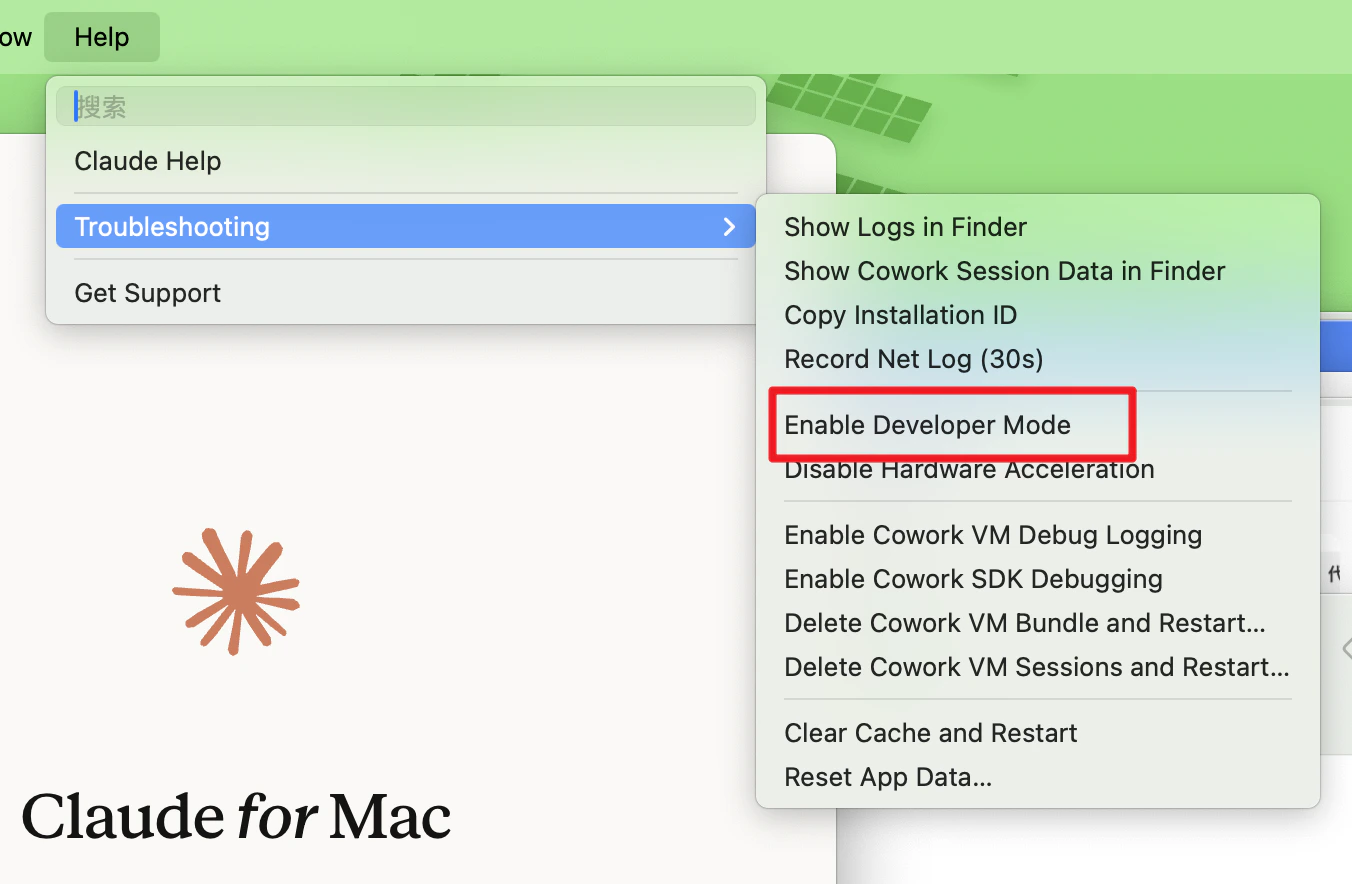
- Click Menu → Help → Troubleshooting → Enable Developer Mode
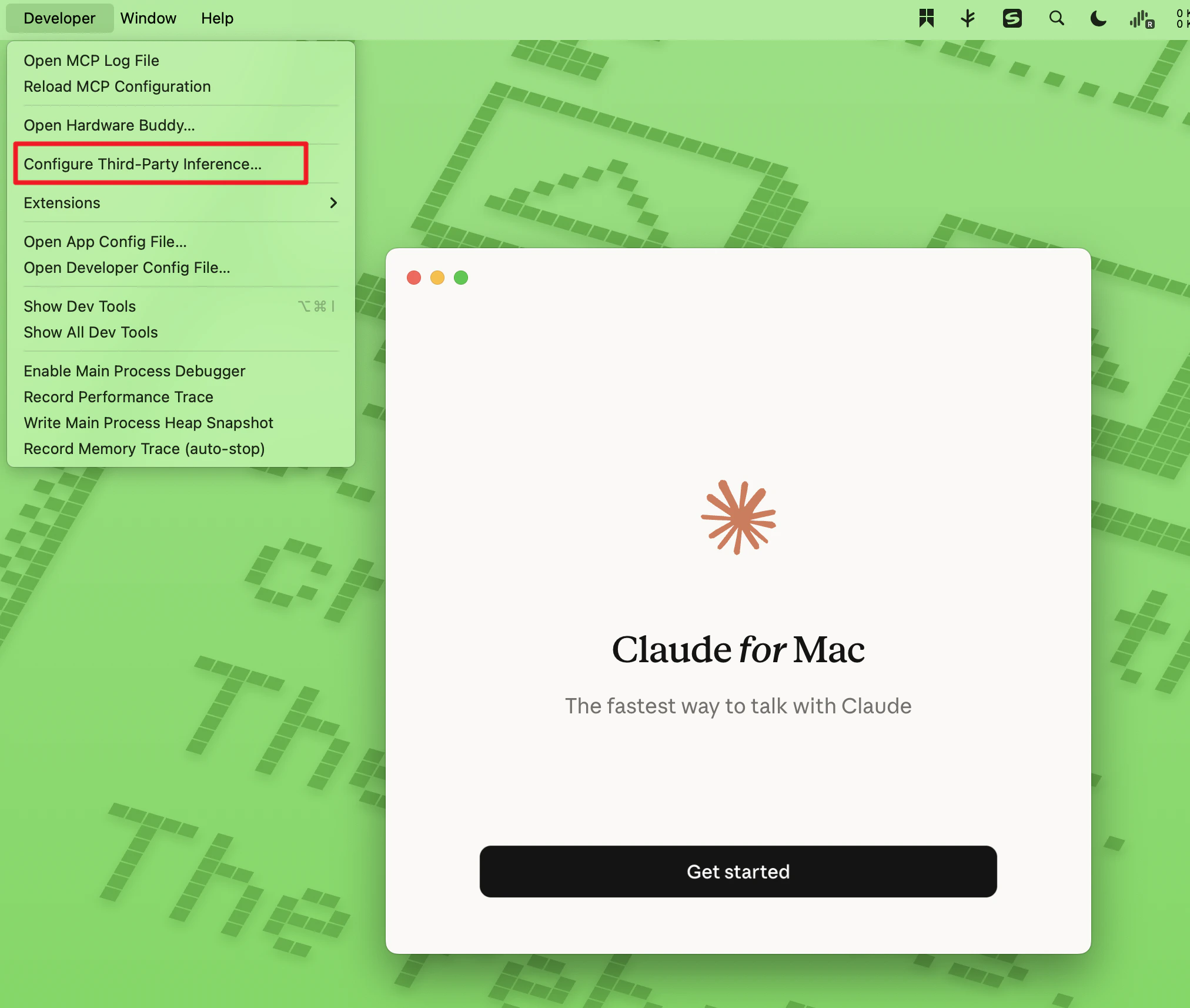
- After completing the first step, a Developer menu will appear in the menu bar. Click Configure Third-Party Inference.
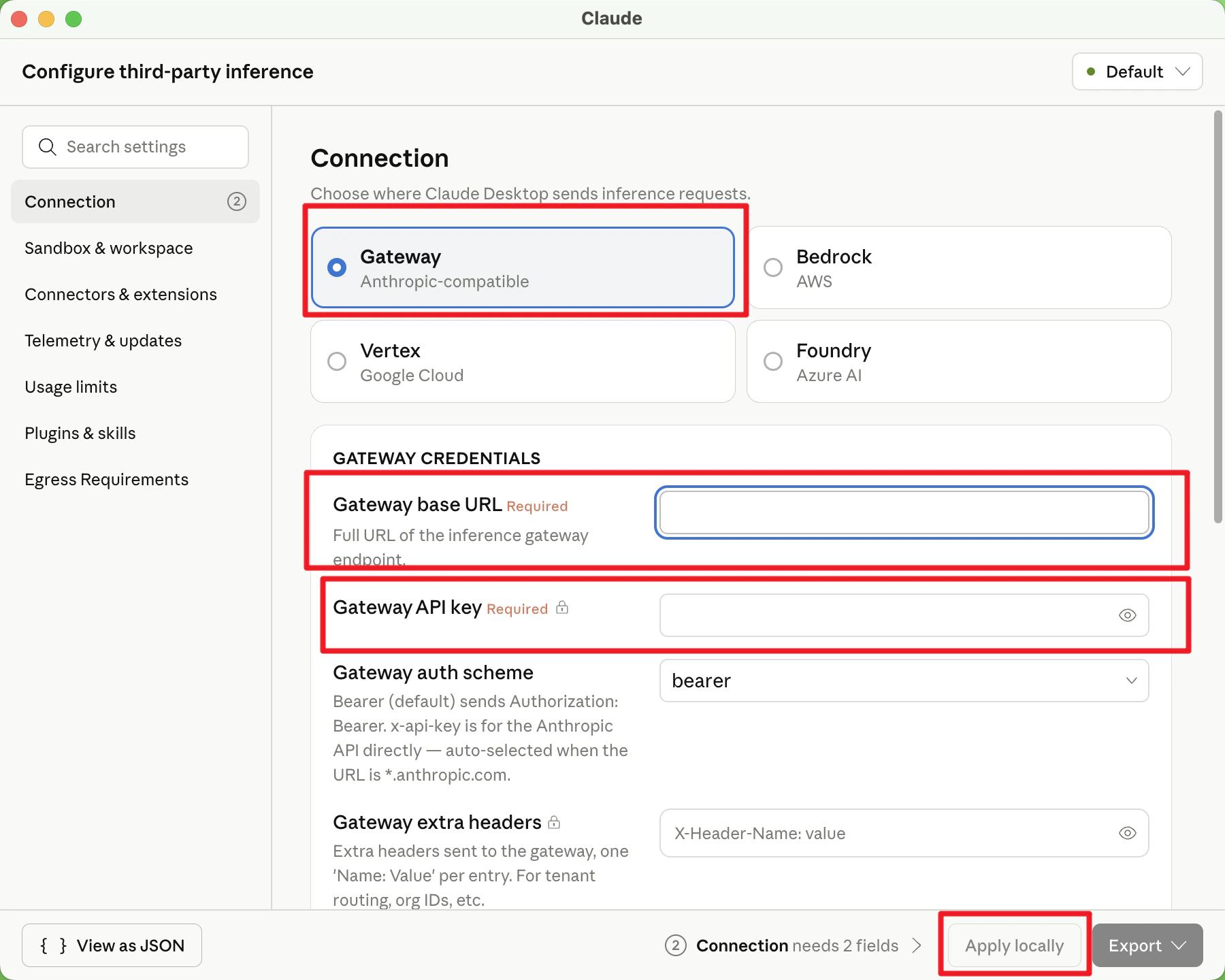
- By default, select Gateway. Enter the following details:
- Gateway base URL:
https://onetoken.one/ - Gateway API key: Use the API Key obtained from the Onetoken Platform.
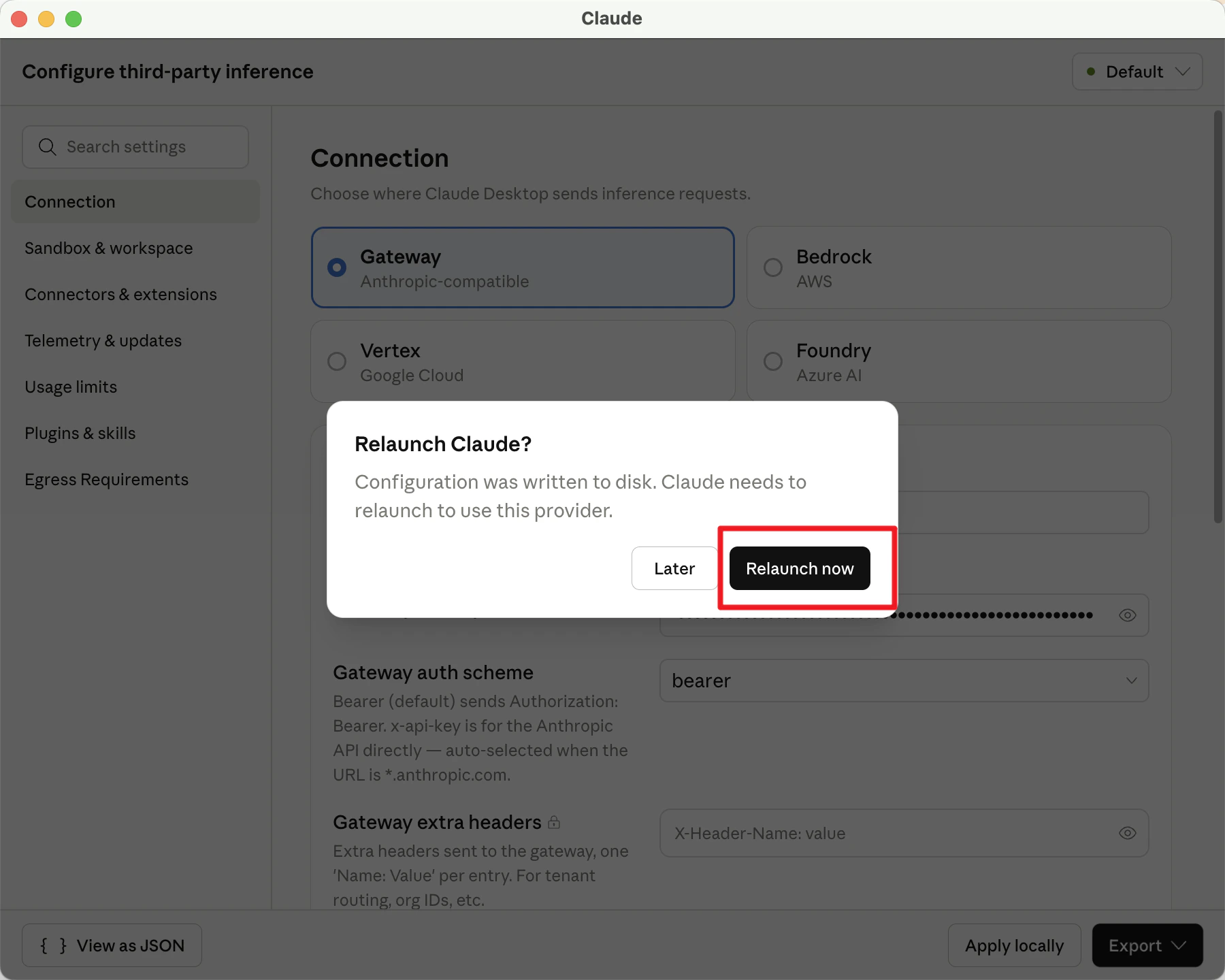
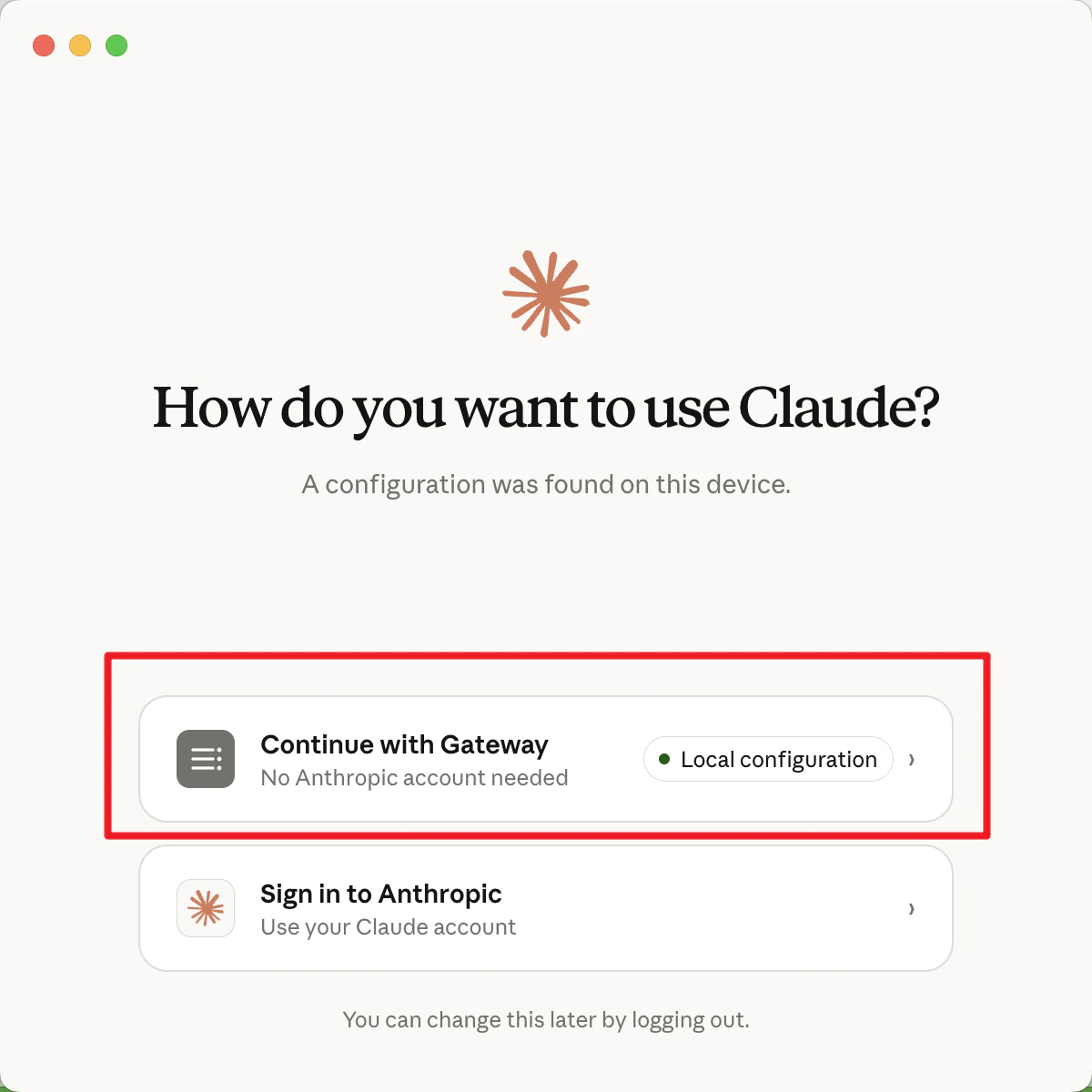
- Click Continue with Gateway.
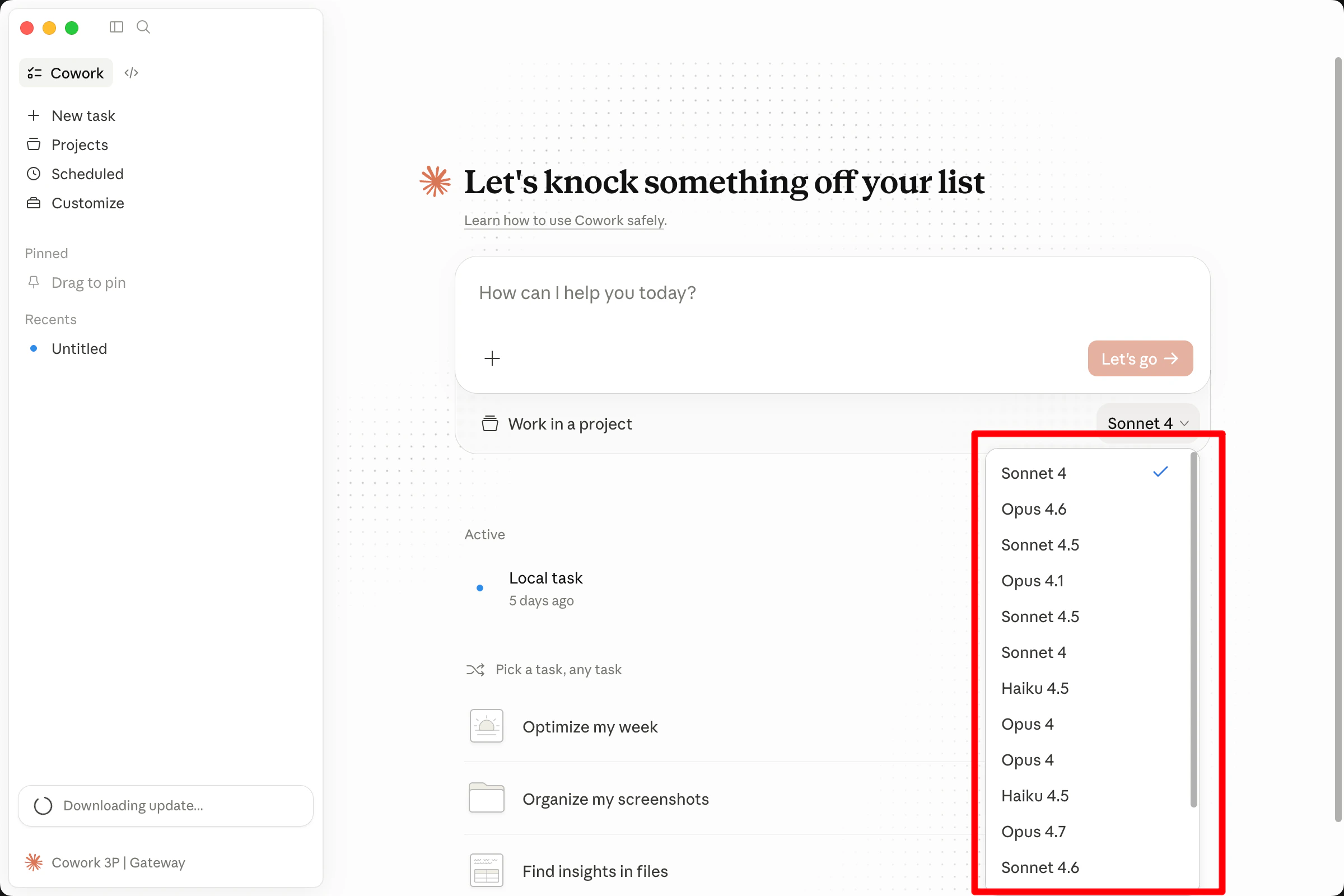
- Select the model you wish to use from the bottom of the chat box to begin.